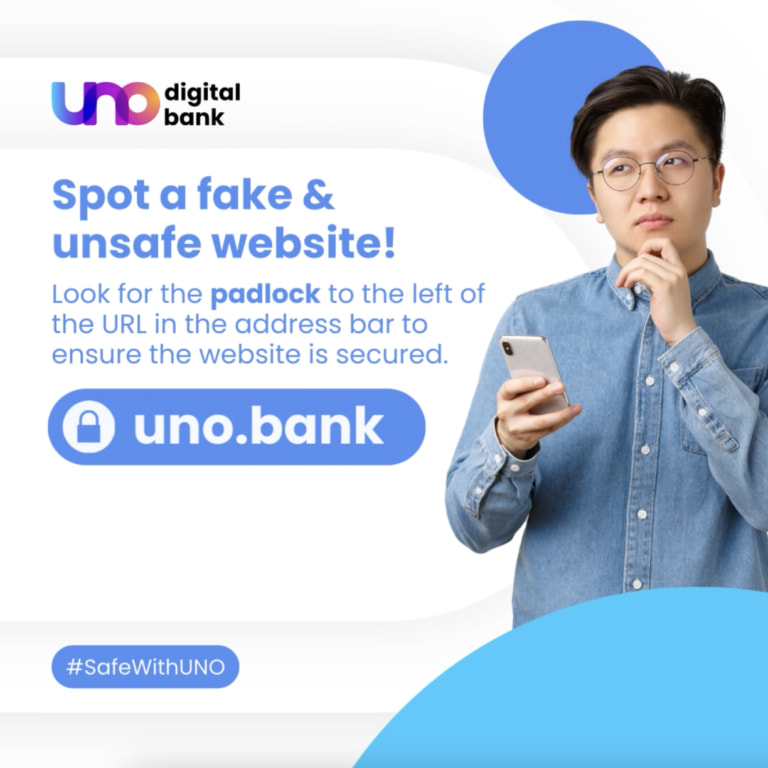
Spot a fake & unsafe website!

uno digital bank spot fake websites thumbnail

Beware of fake websites, whether you’re just browsing the web or making online transactions. 


Stay #SafeWithUNO by always looking for the closed padlock icon beside the URL of the site you are visiting.


This padlock indicates that the site is secured with a TLS/SSL certificate that encrypts data sent between the user and the website.


If you catch other websites posing as UNO Digital Bank, contact our customer service team via in-app message or by calling (02) 8811 8866 and + 63 919 059986.

More articles

Blog How to Check Your Savings Rate

Is Your Money Working Hard Enough? Why You Should Review Your Savings Rate

Saving money is a great start. But have you checked how much your savings are

Blog PDIC Deposit Insurance

What Is PDIC Deposit Insurance and What Does It Mean for Your Savings?

When opening a bank account, it helps to understand the protections that come with your

Blog Pay UNO Loan via Gcash

Pay your UNO loan anytime, anywhere via GCash Bills Payment

Staying on top of your loan payments is now easier than ever. UNO Digital Bank